GST Invoice Format — Create Free GST Invoices Online
A GST invoice has no fixed layout, but it must carry the particulars set out in Rule 46 of the CGST Rules, 2017. InstaBahi lays them out for you: pick a design, fill in your business, client and items, and download a ready PDF. No account needed.
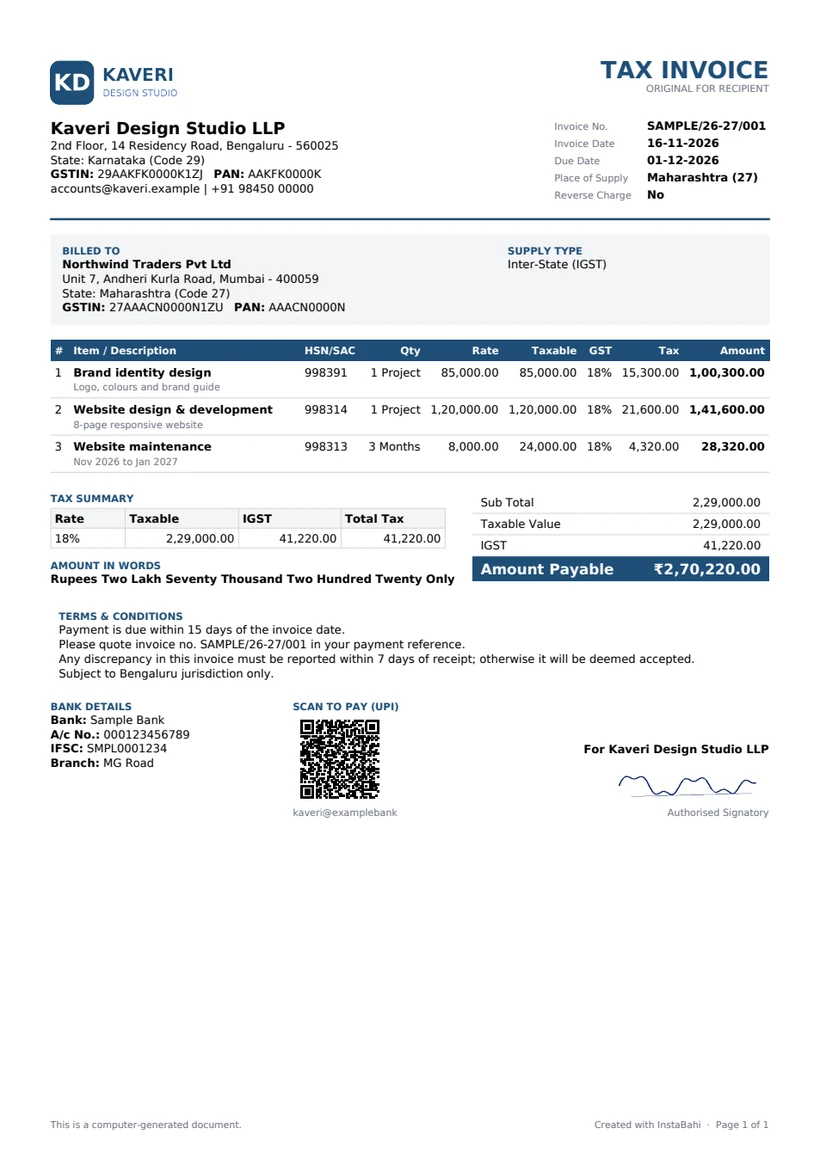
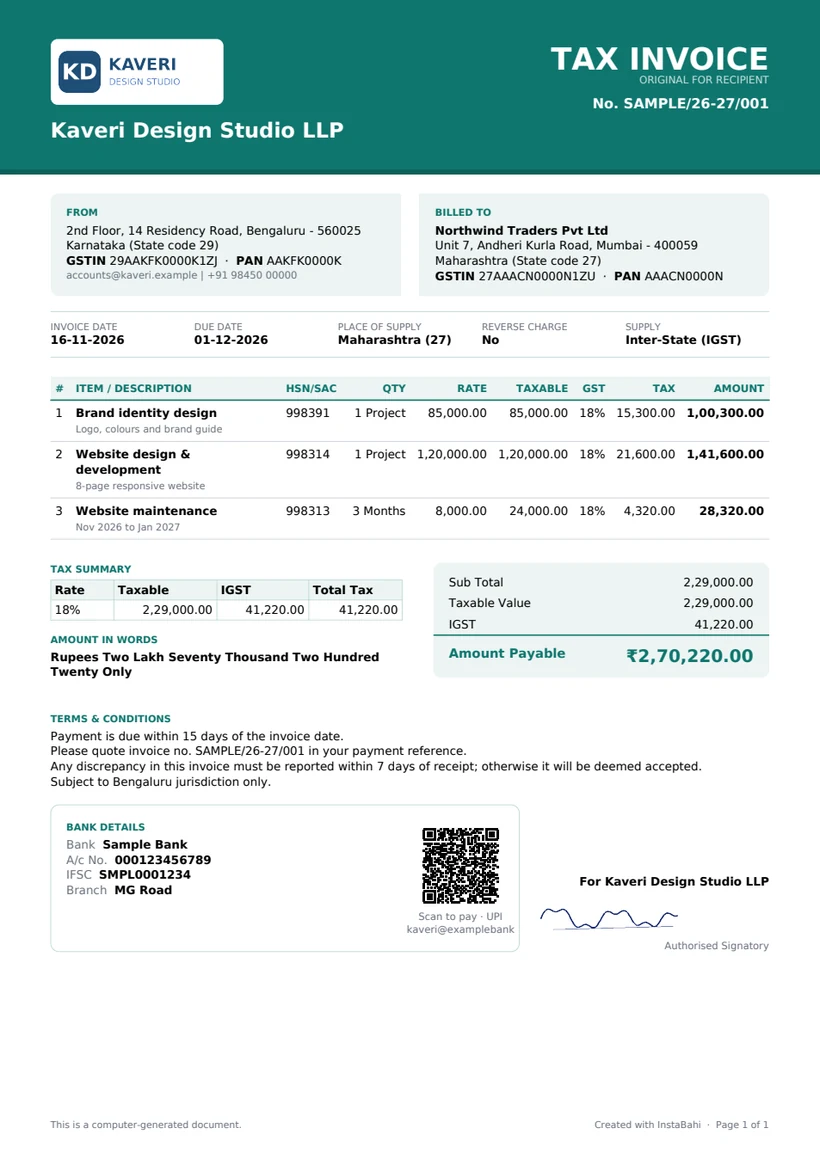
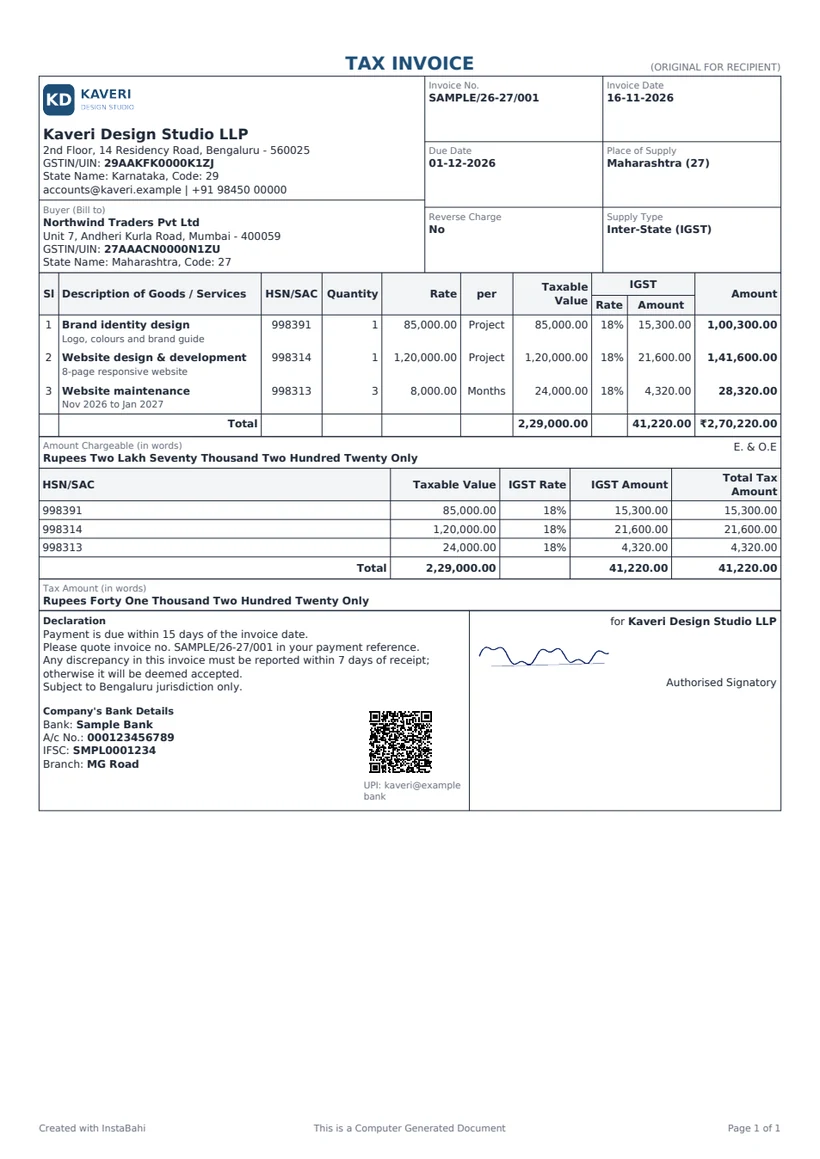
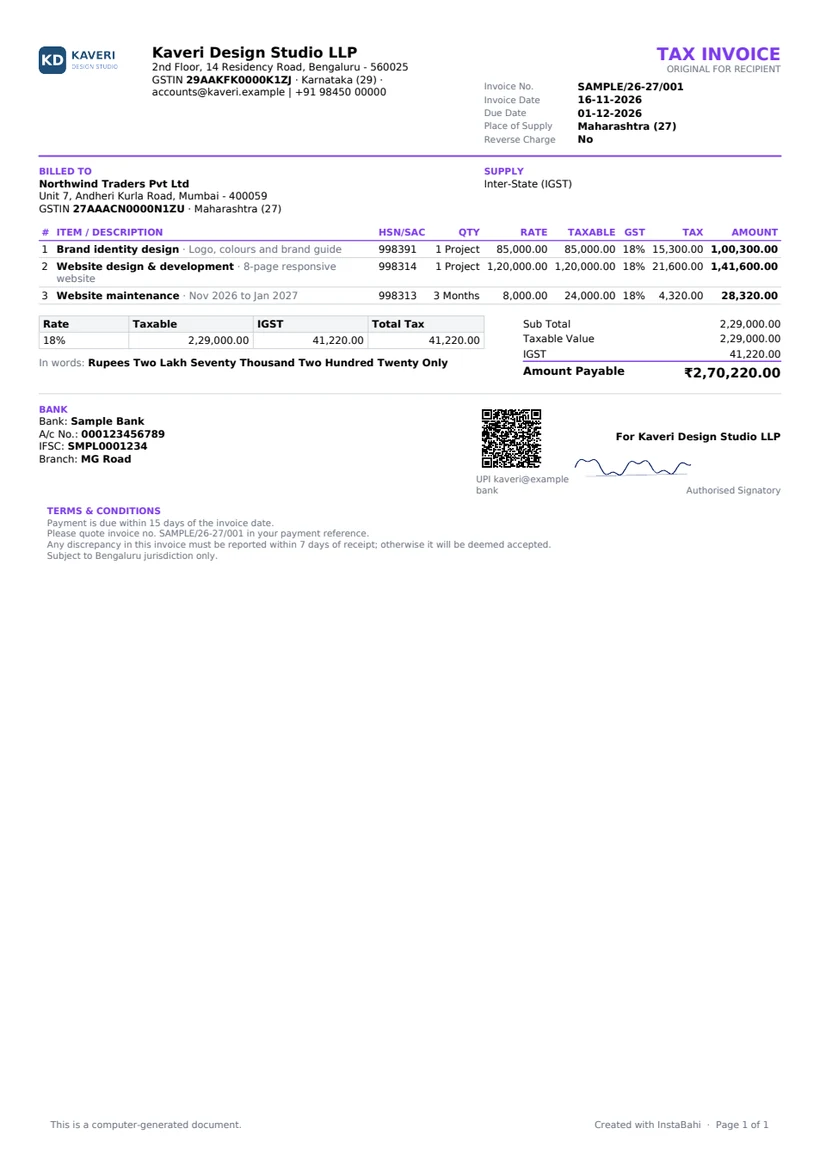
Choose from 4 GST invoice designs
The same GST details in every design. Open a sample PDF to see a complete invoice.
What a GST tax invoice must show
Rule 46 of the CGST Rules, 2017 lists the particulars of a tax invoice. Only those that apply to a supply need to appear:
- Supplier's name, address and GSTIN
- A consecutive serial number, unique for the financial year, of up to 16 characters (letters, numbers, "-" and "/")
- Date of issue
- Recipient's name, address and GSTIN, if the recipient is registered
- For an unregistered recipient, where the invoice value is ₹50,000 or more: name and address, and the delivery address with the state name and code
- HSN code for goods or SAC for services: from 1 April 2021, at least 4 digits on B2B invoices where the preceding year's aggregate turnover was up to ₹5 crore, and 6 digits above that (Notification 78/2020-Central Tax)
- Description, quantity and unit, total value, and taxable value after any discount
- Rate and amount of CGST, SGST/UTGST, IGST and cess
- Place of supply, with the state name for inter-state supplies, and the delivery address if it differs
- Whether tax is payable on reverse charge
- Signature or digital signature of the supplier or an authorised person
Example: a service provider's invoice
The Classic sample above is from Kaveri Design Studio LLP in Bengaluru, Karnataka, to Northwind Traders Pvt Ltd in Mumbai, Maharashtra. Because the supplier and the client are in different states, the supply is inter-state, so IGST at 18% applies instead of CGST + SGST. Each service line carries its SAC code. The taxable value of ₹2,29,000 plus IGST of ₹41,220 gives ₹2,70,220 payable, shown in figures and in words, with bank details and a UPI QR code for payment.
How to create your GST invoice
- Click Create a Free GST Invoice and enter your name, email and mobile number once.
- Add your business: name, GSTIN, state and address.
- Add your client. The place of supply decides whether CGST + SGST or IGST applies.
- Add your items with HSN/SAC, quantity, rate and GST rate.
- Choose a design and colour, preview the invoice and download the PDF. To save invoices and clients, create a free account.
Frequently asked questions
Is there a government-prescribed GST invoice format?
No layout is prescribed. Rule 46 of the CGST Rules, 2017 lists the particulars a tax invoice must contain; how they are arranged is up to you.
When is IGST charged instead of CGST + SGST?
When the supplier's location and the place of supply are in different states or union territories. Within the same state, CGST + SGST applies.
Can a composition taxpayer issue a tax invoice?
No. A composition taxpayer issues a bill of supply, under section 31(3)(c) of the CGST Act read with Rule 49. InstaBahi can create one.
Is InstaBahi free?
Yes. You can create and download invoices without an account, and a free account lets you save them.
Does InstaBahi generate e-invoices (IRN)?
Not yet. Prepare the invoice here and generate the IRN on the government's e-invoice portal (IRP).
Ready to make your GST invoice?
No account needed. Download the PDF in a minute.